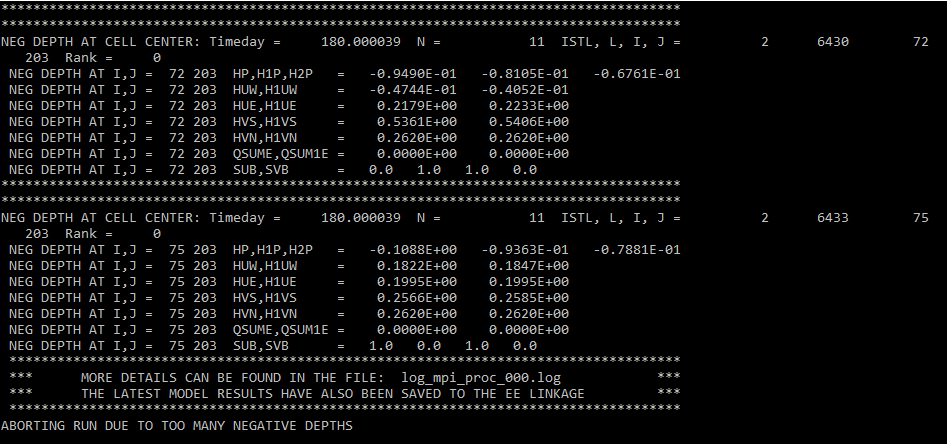
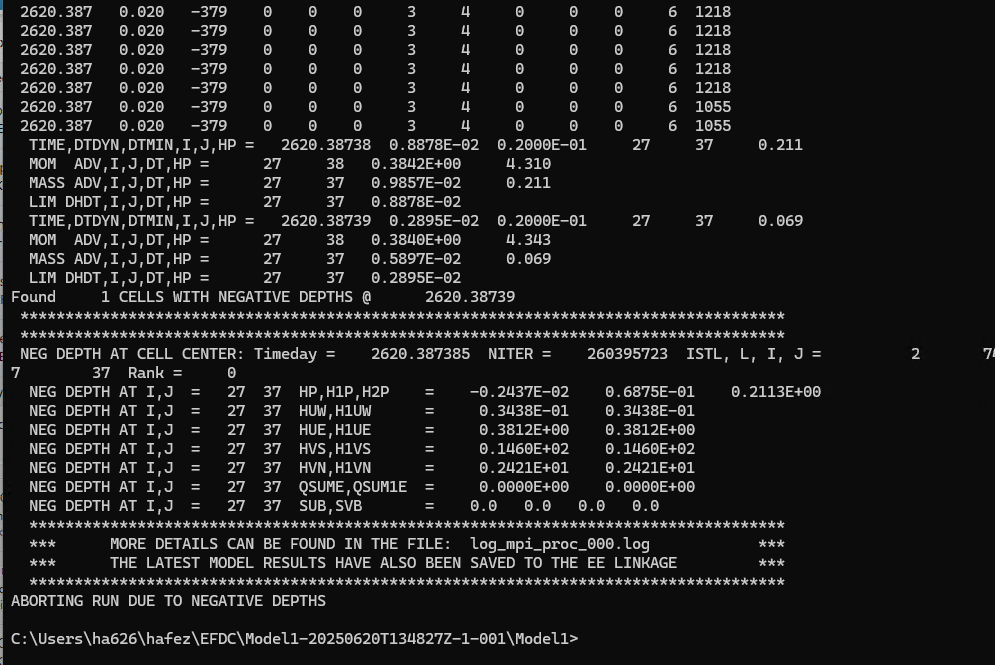
I am running a model for a large lake, there is recirculation, aeration, outflow for irrigation, and inflow of urban runoff. When I run the model I get the error “ABORTING RUN DUE TO TOO MANY NEGATIVE DEPTHS” as seen bellow.
After reading the other topics relating to negative depth, I changed the time step and ensured the water depth was accurate however I still get this issue. what is the cause of this issue and how do you fix it?
Hello jpenderghast
Usually, these issues will be related to the time step, but there are some cases also due to incorrect settings or model inputs time series, if you changed the time step and still get this issue I think you can send me the model I will check it more carefully below is my email address
bmhoa@dsi.llc
Hi ha626
Here are some suggestions to fix negative depth related errors:
Reduce the Safety Factor:
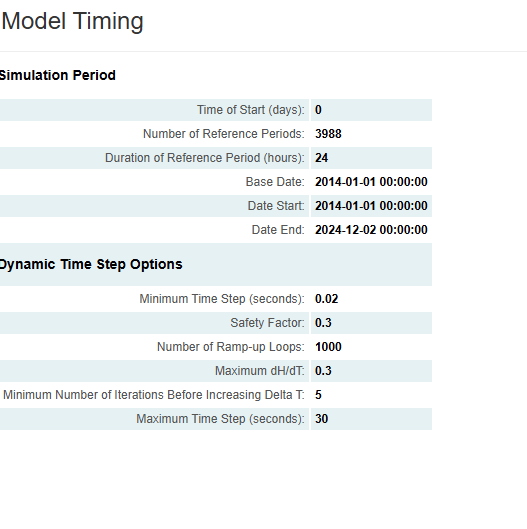
EFDC+ uses a safety factor to automatically control the time step. Try lowering this factor.
Decrease the Initial Time Step:
Especially at the beginning of the simulation, when the flow is still stabilizing, it’s better to use a smaller time step
Check the Entire Model Domain:
Use the 2D Plan View to observe the Water Surface Elevation. If you see a “checkerboard” pattern (alternating high and low water levels between adjacent cells), it’s a clear sign the model is numerically unstable.
Although EFDC+ may continue running in this unstable state, it often leads to errors like negative depth later.
Review the Grid and Input Data:
Check for unrealistic bathymetry, such as sharp or steep slopes.
Verify that boundary conditions (e.g., inflows) are not too large or rapidly changing.
Make sure the initial conditions are physically reasonable.
If after following the above suggestions you still get errors, please give me some images of your model, the last time it was displayed on 2DH, 2DV… we will look into them more closely
Sincerely,
BMHoa
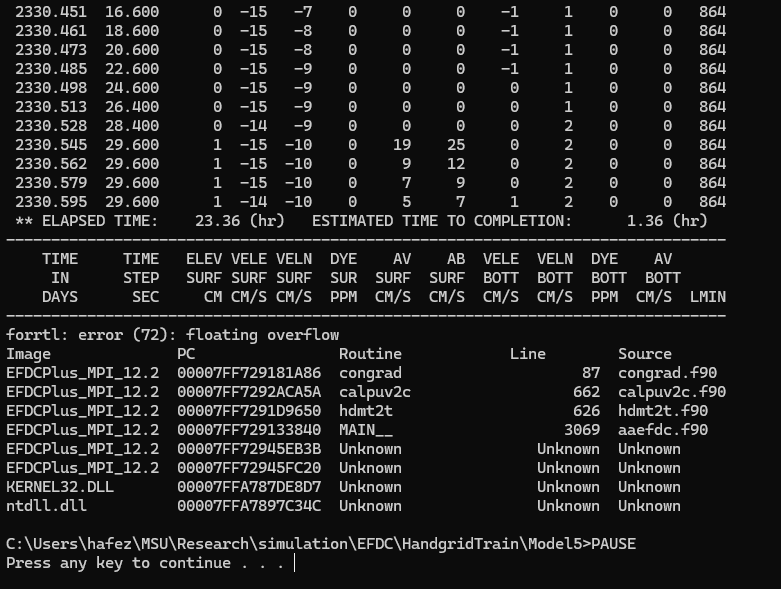
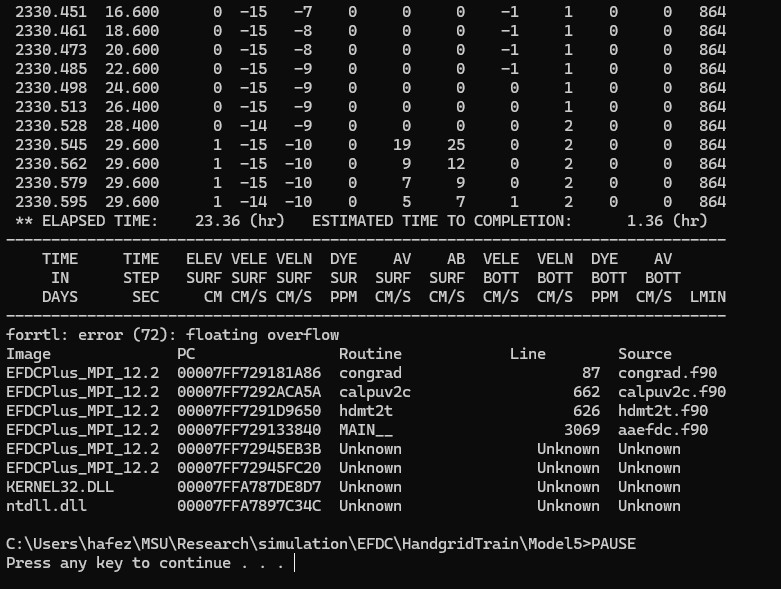
I hope you’re doing well. I’ve completed all the data preparation and updated the end time. I re-ran the model, and while it does run for several years, it doesn’t complete the full simulation period. Toward the end, I’m receiving some error messages—I’ve attached a few of them here. My time step is 0.3.
Whenever you’re available, could you please take a look? few more questions,
I tried adding my csv file in 'calibration timeseries" but it doesn’t take/ calculate. is there any specific format?
Here is my model: Model1 - Google Drive
I looked at your model and still see the errors I mentioned before.
Before running the model you should check the validity of the input data series and the model configure
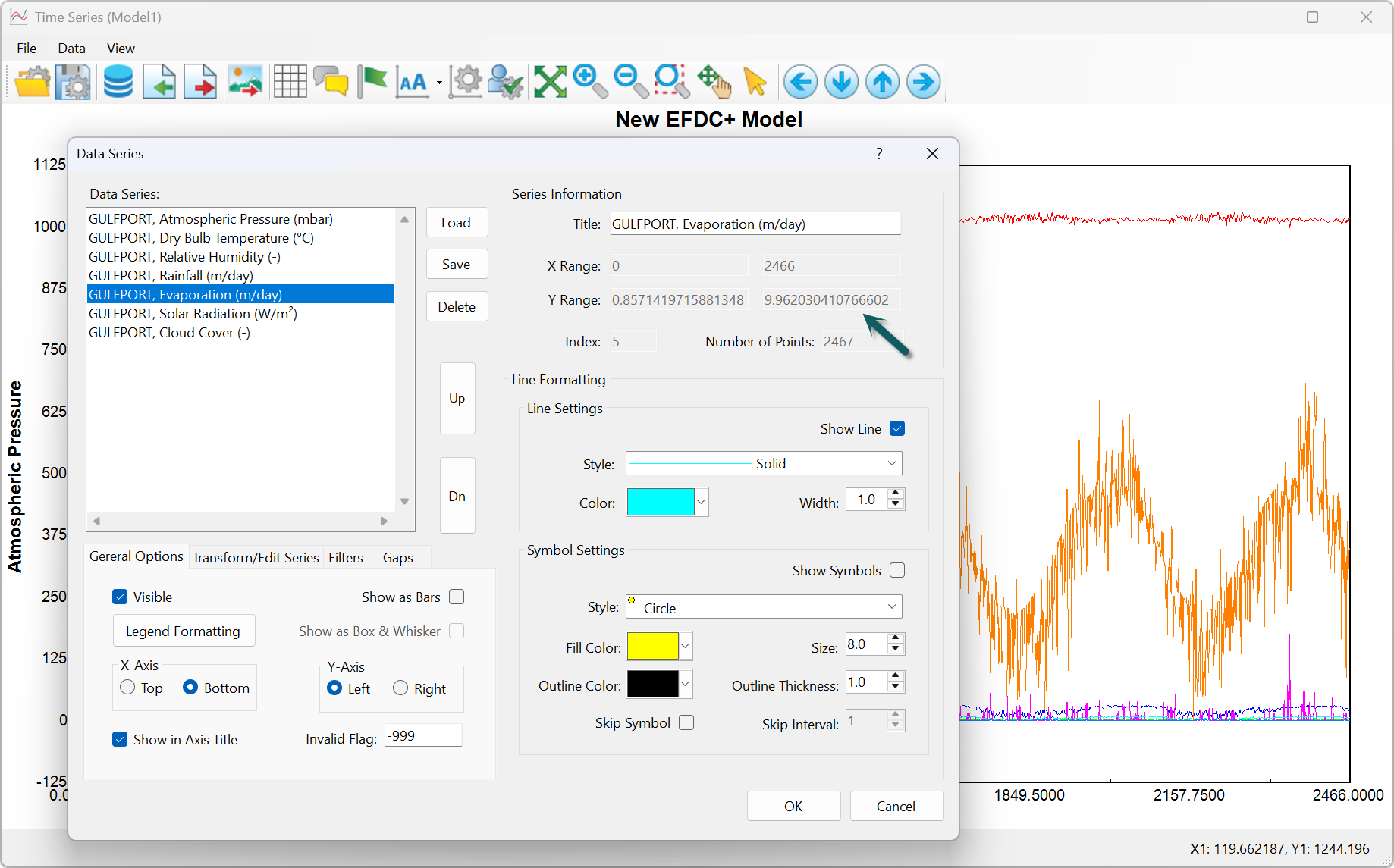
1- The evaporation value is too high, the highest is up to 9.9 m/day, which is unreasonable.
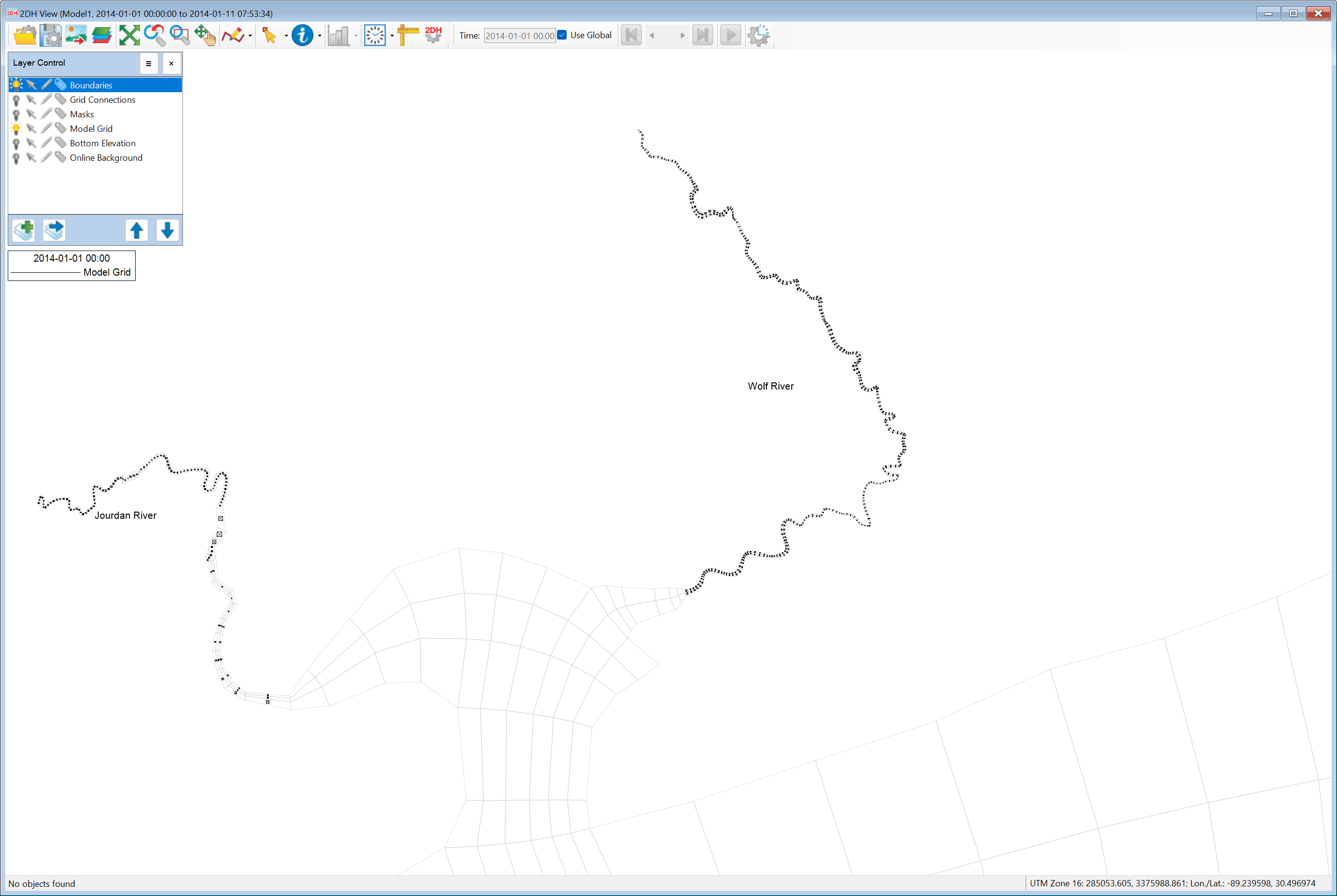
4- It is unreasonable to use a flow series to establish the entire flow boundary for the grids on each tributary, it is only necessary to establish it upstream, where the gauging station is located.
I recommend you run the hydraulic model first, calibrate the water level/flow/velocity results well… then add the temperature and salinity calculation modules.
@minhhoa0386 Thank you so much for your detailed response—I truly appreciate your support.
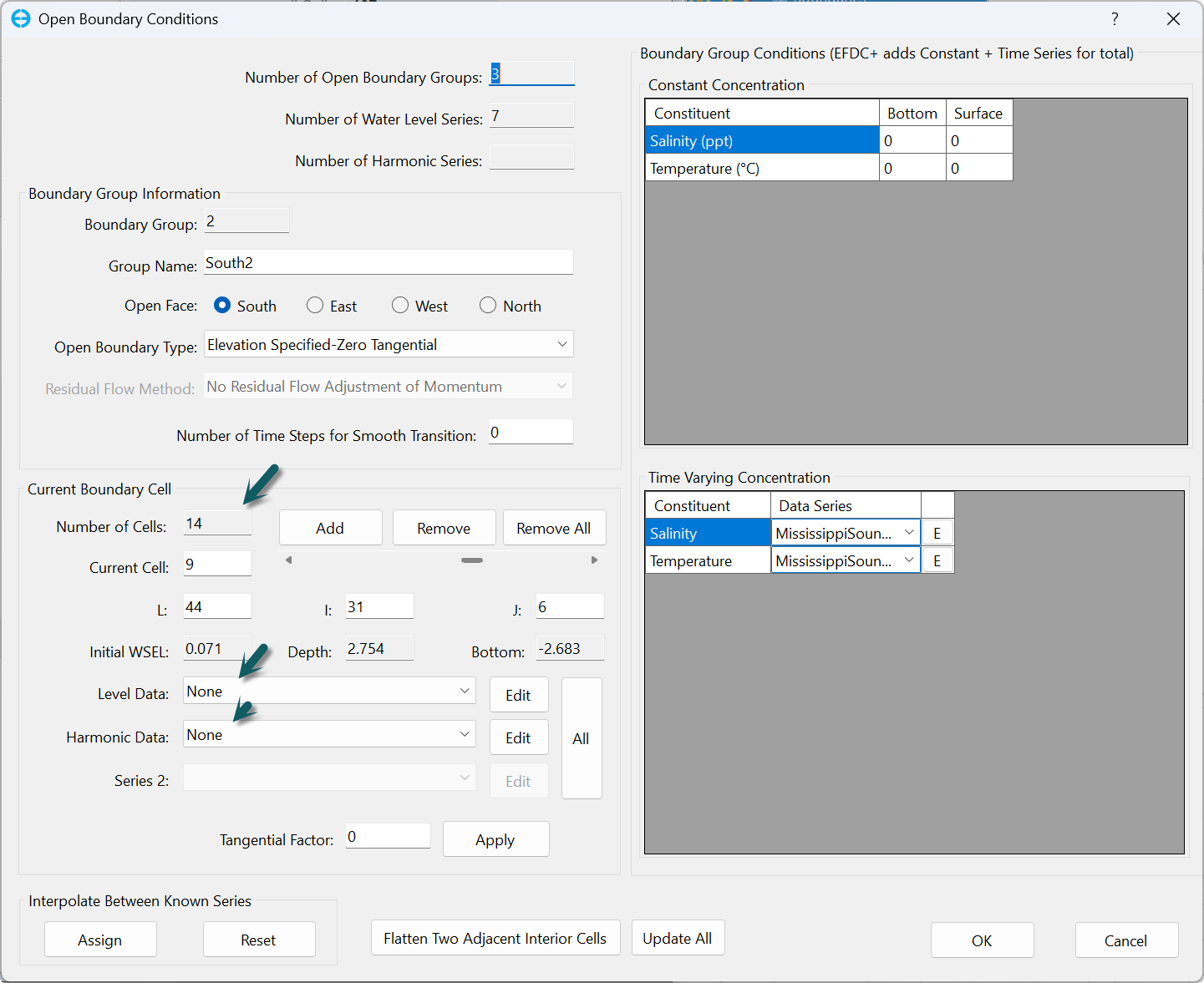
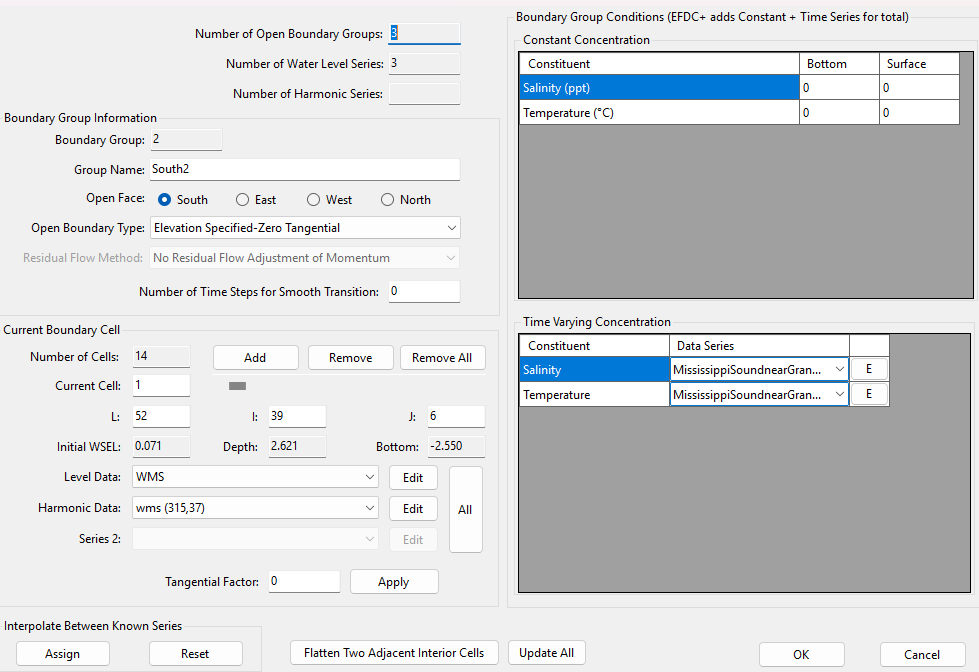
One thing I noticed regarding the pressure boundary (water level): when I shared the model files, it seems that all the assigned water level and harmonic data were lost. As shown in the attached screenshot, I had initially assigned both the level data and the harmonic components, but after sharing, they no longer appear in the setup.
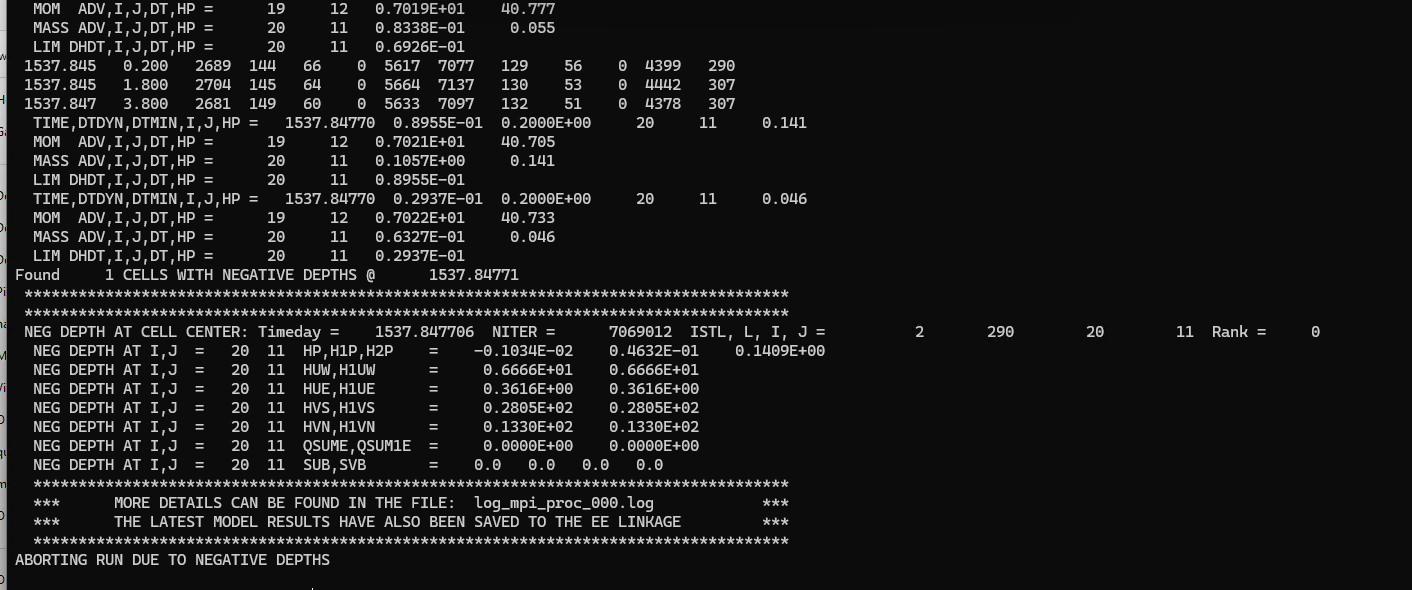
I re-ran the model several times, but the negative depth issue still persists. I’ll continue troubleshooting this, but I wanted to bring the boundary data issue to your attention.
If you have a water level time series, I recommend using it to assign the open boundary cells. It means that select water time series for “Level Data”, and select None for “Hamornic Data”. After that click the All button to assign that time series to all selected cells.